Although backups are stored in the /backups directory, we suggest that you download backup files to your computer. This is the safest method because backups stored on the server may be lost in the event of a system failure.
To view all saved backups, click the link called "Click here for a list of your current backups" (this link is near the bottom of the page). You will be taken to the /backups directory in the file manager.
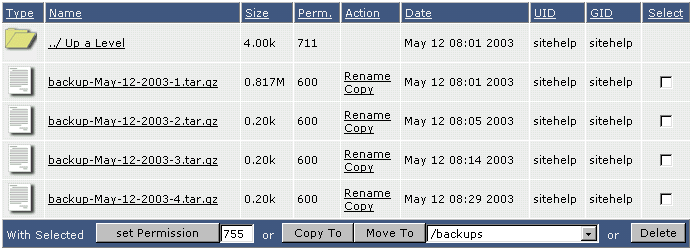
From here you may download backups to your computer (click on the file name to begin download), move backups to a different directory, or delete backups you no longer need.
