Certain files can be edited within the file manager. To edit a file, click the "Edit" link in the "Action" column next to the file.
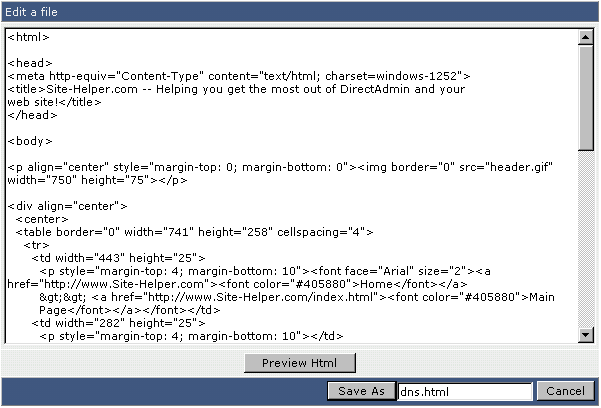
In this example we are editing dns.html. To save the file, click the "Save As" button.
The "Preview HTML" button will pop up the document in a new window, allowing you to view the web page before saving it.
