To access the server information, click on the "Advanced Tools" icon from the main control panel menu, then click the "Server Information" icon. You will see a screen that looks like this:
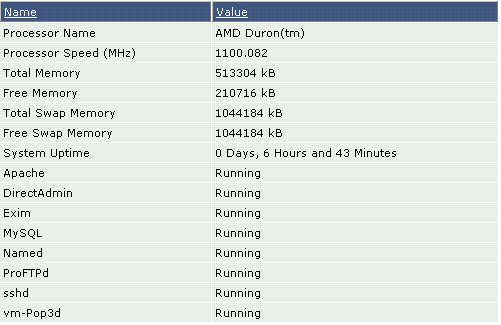
The server information feature allows you to determine the memory usage of the server, uptime, and the status of all services.
