To remove database users, first click on the database name from the main MySQL databases menu. In this example we have clicked on the "username_chat" database, which has two users (see above picture).
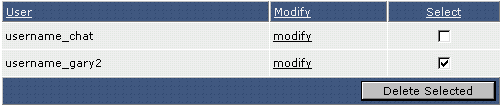
The username_chat database has two users: username_chat (the username is the same as the database name) and username_gary2. To delete the database user, simply check the box next to its name and click the "Delete Selected" button.
